For a long time, juggling multiple applications on my Pixel phone felt like a chore rather than a convenience. The process often involved a cumbersome dance between the app switcher, split-screen modes, and constant context switching that broke my concentration. However, the introduction of app bubbles in the Android 17 preview has fundamentally revitalized my mobile multitasking experience, turning what was once a source of annoyance into a surprisingly fluid and enjoyable process.
Affiliate contentGames up to -90% off
Instant key delivery on Instant Gaming
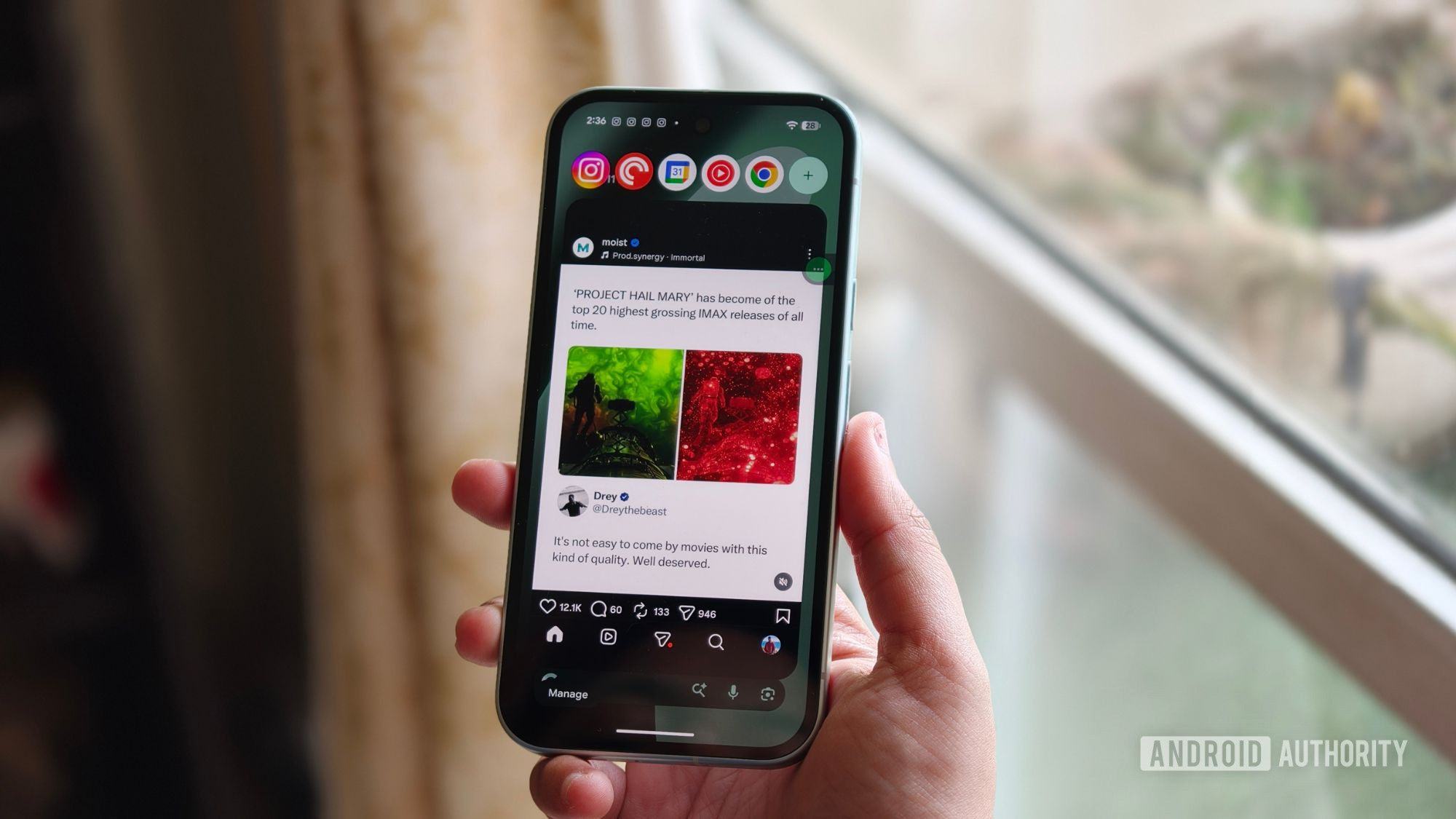
Browse deals →These bubbles aren't just a cosmetic tweak; they represent a significant ergonomic improvement. They allow background applications to remain accessible as small, floating icons on the screen, ready to be tapped open without fully disrupting your current task. This means I can, for example, reply to a message in WhatsApp that pops up in a bubble while continuing to follow a recipe, or quickly check a social media notification without leaving my current work document.
The genius of app bubbles lies in their unobtrusive nature combined with their immediate utility. They provide a persistent yet subtle presence for frequently used or notification-heavy apps, drastically reducing the friction associated with switching contexts. This feature feels like a natural evolution of mobile interfaces, finally addressing the common user pain point of inefficient app management. For the first time, multitasking on my Pixel feels less like a compromise and more like a genuinely productive way to utilize my device, proving that thoughtful interface design can truly enhance the user experience.