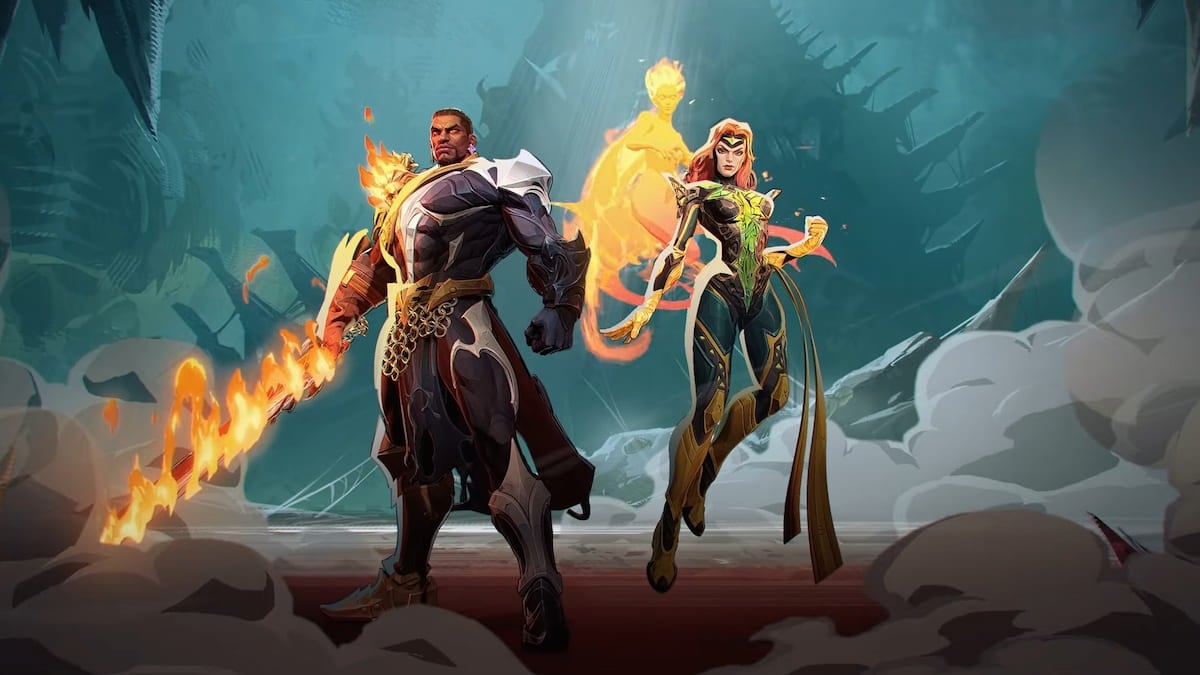
Marvel Rivals, the highly anticipated superhero brawler, is offering an exciting opportunity for players to grab free in-game items through Twitch Drops. These rewards are a fantastic way to enhance your gameplay experience or simply show off unique cosmetics. To ensure you don't miss out, understanding the process of linking your accounts and identifying eligible streams is crucial.
Affiliate contentGames up to -90% off
Instant key delivery on Instant Gaming
Browse deals →First and foremost, you'll need to link your Twitch account with your Marvel Rivals game account. This is usually done through an official developer portal or within the game launcher itself. Always double-check that the connection is successful to ensure that any drops you earn are correctly credited to your game. Without this crucial step, even extensive viewing won't yield rewards.
Once your accounts are linked, keep an eye out for official announcements regarding active Twitch Drop campaigns. These events typically run for a limited time and require viewers to watch specific streamers who have opted into the program or official Marvel Rivals channels. The longer you watch an eligible stream, the closer you get to unlocking new rewards, which can range from unique character skins and emotes to in-game currency or exclusive banner icons. Make sure to claim your rewards from the Twitch inventory page after they've been earned, as some drops have a time limit for claiming. Stay updated with in-game news and official social media for the latest drops and participating streamers to maximize your collection.