Back
Dot Esports10 h ago

Mastering the Dot Crosshair in CS2: Settings and Pro Configurations

Achieve pinpoint accuracy in Counter-Strike 2 with the optimal dot crosshair. This guide provides codes, recommended settings, and insights into professional player configurations to enhance your aim.

Mastering the Dot Crosshair in CS2: Settings and Pro Configurations

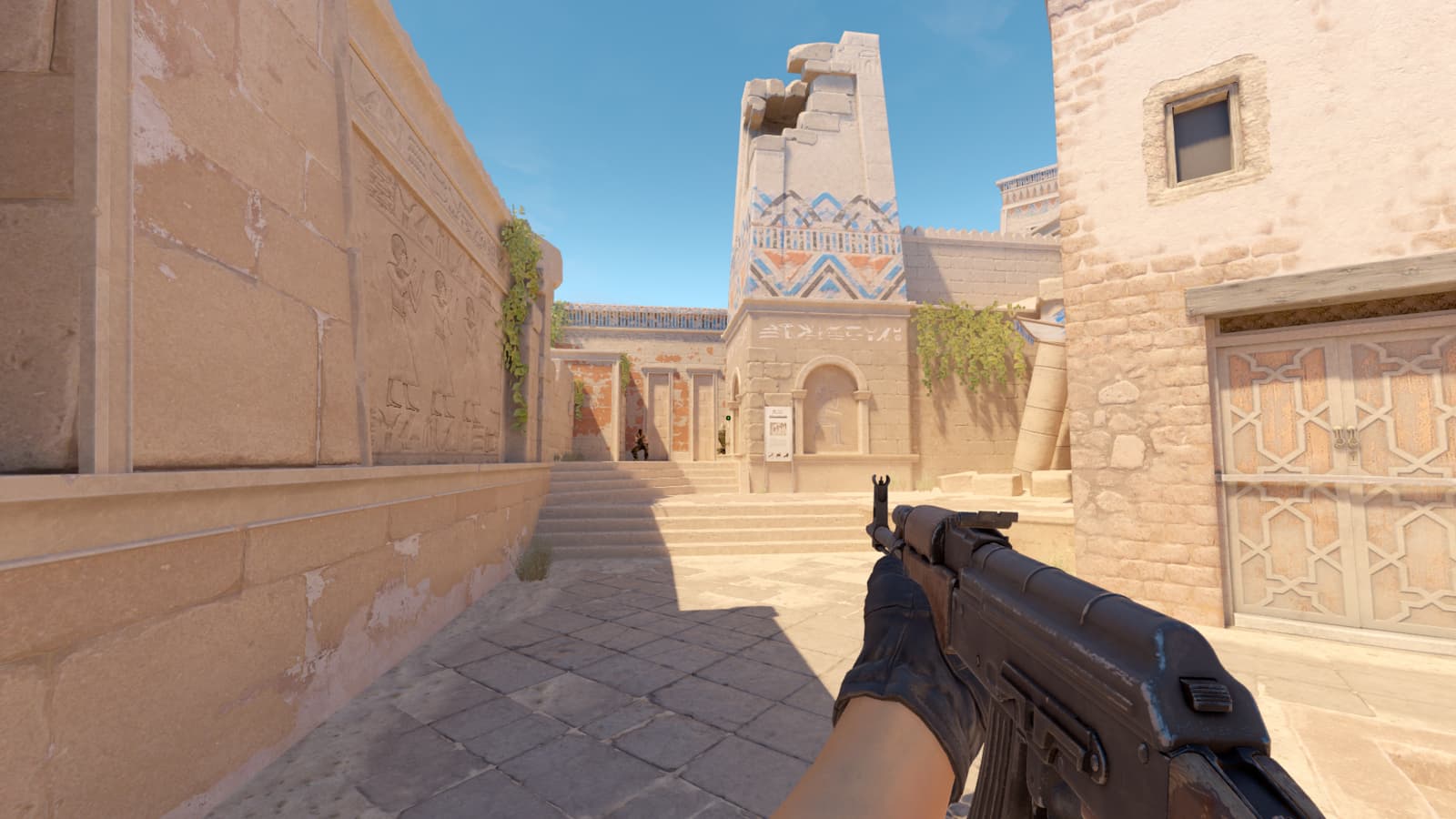
In the fast-paced, high-stakes world of Counter-Strike 2, precision aiming is paramount, and your crosshair plays a critical role in achieving that. While many players opt for traditional crosshairs, the dot crosshair has gained significant popularity due to its minimalist design, which can often lead to less visual clutter and improved focus on the target.

Affiliate content
Instant Gaming

Games up to -90% off

Instant key delivery on Instant Gaming

Browse deals →

A dot crosshair, by its nature, offers a precise center point, making headshots and accurate sprays potentially easier once you adapt to its compact form. To effectively implement a dot crosshair, players will need to delve into the game's console commands or utilize the in-game crosshair settings. Key commands such as `cl_crosshair_drawoutline 0`, `cl_crosshairalpha 255`, `cl_crosshairdot 1`, `cl_crosshairsize 0`, `cl_crosshairgap -1`, `cl_crosshair_t 0`, `cl_crosshairthickness 1`, and `cl_fixedcrosshairgap 0` are often the foundation, with slight variations for color and style.

Many professional CS2 players, known for their exceptional aim, have adopted or experimented with dot crosshairs, providing valuable templates for aspiring competitors. While specific settings vary between pros due to personal preference, a common thread is the emphasis on a small, unobtrusive dot that doesn’t obscure the target. Experimentation with thickness, color, and outline is encouraged to find what feels most comfortable and effective for individual play styles. Ultimately, the best dot crosshair is one that complements your aiming technique, allowing for consistent and precise shots under pressure.

Summary based on third-party reporting.

Original source: Dot Esports

Recommended

One UI 8.5 Dark Mode Bug Affects Samsung Phones, Simple Fix Identified
Android Authority2 h ago

One UI 8.5 Dark Mode Bug Affects Samsung Phones, Simple Fix Identified

Samsung's latest One UI 8.5 update is causing a widespread dark mode malfunction across various Galaxy devices, including the S24 and S25 series. Fortunately, users have discovered a straightforward method to restore their preferred dark theme functionality.

Read article
Locating the Colossal Mech in Forza Horizon 6
Dot Esports3 h ago

Locating the Colossal Mech in Forza Horizon 6

Discover the hidden giant mech within Forza Horizon 6's expansive world as a thrilling nod to popular mecha culture. This guide details where to find this impressive Easter egg for an unforgettable in-game experience.

Read article
Samsung Rumored to Revamp Foldable Phone Naming Convention
Android Authority4 h ago

Samsung Rumored to Revamp Foldable Phone Naming Convention

Reports suggest that Samsung is planning a significant rebranding for its upcoming foldable smartphones, potentially moving away from the established 'Fold' and 'Flip' designations. While specific new names remain speculative, this strategic shift aims to refresh the product line's identity.

Read article
Google Fitbit Air Deliveries Encounter Android App Update Delay
Android Authority6 h ago

Google Fitbit Air Deliveries Encounter Android App Update Delay

Early shipments of the new Google Fitbit Air have arrived ahead of schedule, but Android users are facing pairing complications due to a missing companion app update. This oversight is preventing immediate functionality for eager new owners.

Read article