Back
Android Authority45 d ago

NotebookLM Streamlines Source Management with Automatic Updates

Google's AI-powered research assistant, NotebookLM, now offers enhanced functionality to automatically update source documents, eliminating the need for manual re-syncing. This improvement ensures that your research materials are always current, simplifying the workflow for users.

NotebookLM Streamlines Source Management with Automatic Updates

Google's AI-powered research assistant, NotebookLM, has rolled out a significant update aimed at simplifying the process of keeping your source materials current. Previously, users had to manually re-upload files to ensure their research notes and summaries reflected the latest versions. This often led to inefficiencies, especially when dealing with rapidly evolving documents or multiple revisions.

Affiliate content
Instant Gaming

Games up to -90% off

Instant key delivery on Instant Gaming

Browse deals →

The new feature automates this crucial step. When you link a document from Google Drive or upload a PDF to NotebookLM, the system will now periodically check for updates to that source. If a newer version is detected, NotebookLM will automatically re-process the file and refresh its understanding of the content. This means that any summaries, Q&A sessions, or generated insights derived from that document will be based on the most recent information available.

This enhancement is particularly beneficial for students, researchers, and professionals who frequently work with draft documents, evolving reports, or collaboratively edited files. The time saved from not having to manually manage file versions can be redirected towards deeper analysis and more productive work. By taking the manual effort out of re-syncing, NotebookLM reinforces its value as an intelligent augmentation tool, allowing users to focus on the intellectual aspects of their work rather than the administrative overhead of document management. The update reflects Google's commitment to refining its AI tools to be more intuitive and helpful in daily workflows.


Summary based on third-party reporting.

Original source: Android Authority

Recommended

NordVPN Introduces Message Protection for Android Users
Android Authority19 h ago

NordVPN Introduces Message Protection for Android Users

NordVPN has expanded its security offerings for Android users by launching a new Message Protection feature, complementing its existing Call Protection. This enhancement aims to safeguard users against a variety of malicious messages, bolstering mobile security.

Read article
SK hynix and TetraMem Showcase Experimental Memristor Chip for Energy-Efficient Edge AI
Tom's Hardware19 h ago

SK hynix and TetraMem Showcase Experimental Memristor Chip for Energy-Efficient Edge AI

SK hynix, in collaboration with TetraMem and the University of Southern California, has developed a memristor-based in-memory computing system-on-chip tailored for AI edge devices, demonstrating a significant leap in energy efficiency. However, despite promising results, the full performance capabilities of this experimental chip remain to be conclusively proven.

Read article
Urgent Recall: Power Bank Poses Fire Hazard
Android Authority19 h ago

Urgent Recall: Power Bank Poses Fire Hazard

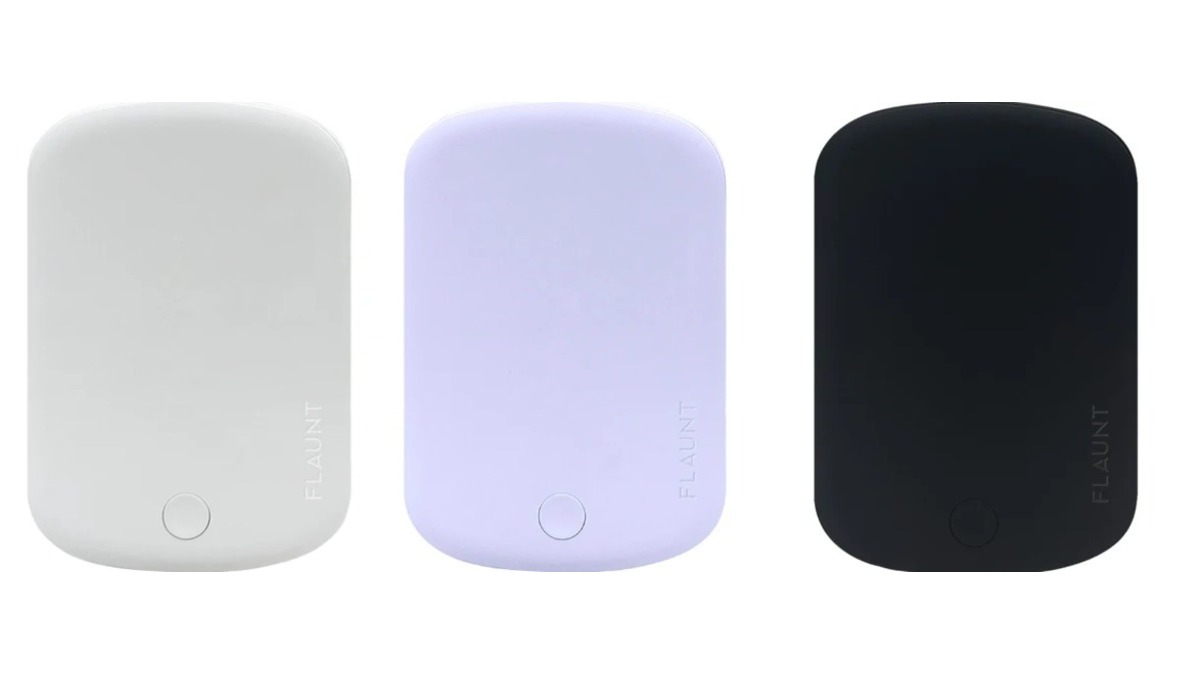
Another model of power bank is being recalled due to severe overheating and fire risks, prompting an immediate halt to its use for owners. Consumers are strongly advised to cease using this specific device to prevent potential dangers.

Read article
ALGS Split 1 at EWC 2026: Schedule, Results, Standings, Teams, and Broadcast Information
Dot Esports19 h ago

ALGS Split 1 at EWC 2026: Schedule, Results, Standings, Teams, and Broadcast Information

Prepare for an intense showdown at the ALGS Split 1 tournament, which will serve as a qualifier for the Esports World Cup (EWC) 2026. This comprehensive guide provides all essential details, from team lineups to broadcasting schedules, ensuring fans don't miss a moment of the action unfolding in Paris.

Read article