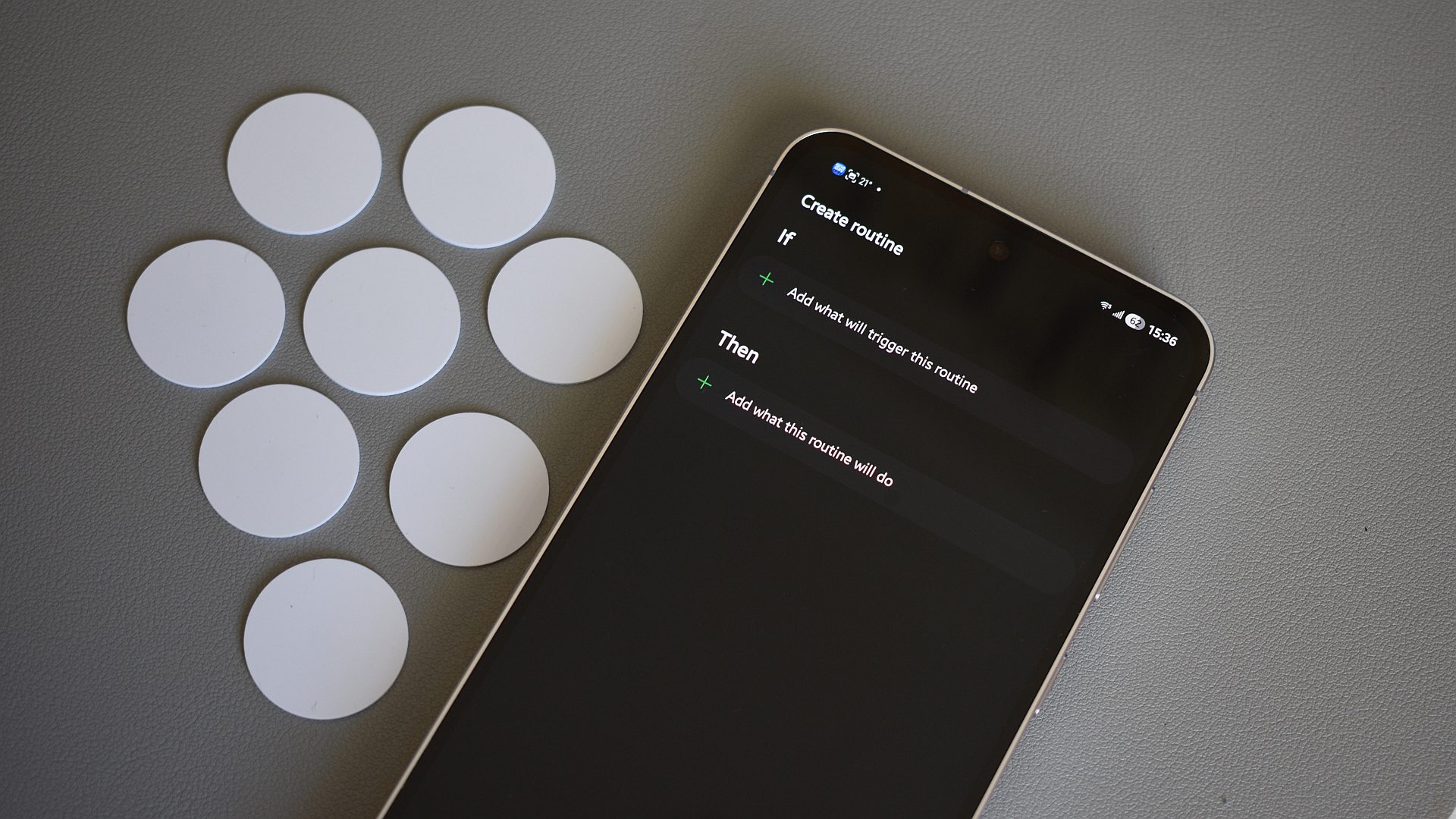
Samsung Routines, a powerful yet often overlooked feature on Galaxy smartphones, offers an incredible opportunity to personalize and automate your device in ways that can profoundly impact your daily experience. Far more than just setting alarms or reminders, these routines allow your phone to intelligently adapt to your environment, schedule, and preferences, making it feel like it truly understands your needs. For instance, you could configure a ‘Work’ routine that automatically silences notifications, activates Wi-Fi, and opens your email client the moment you arrive at your office location.
Affiliate contentGames up to -90% off
Instant key delivery on Instant Gaming
Browse deals →Another highly practical application involves optimizing battery life and performance. A 'Night' routine could automatically switch to power-saving mode, dim the screen, and activate 'Do Not Disturb' when your phone connects to your home Wi-Fi after a certain hour, ensuring you get uninterrupted sleep and a charged device in the morning. For fitness enthusiasts, a 'Workout' routine might launch your favorite exercise app, connect to your Bluetooth earbuds, and disable mobile data to save battery power as soon as you enter the gym.
Beyond these examples, Routines can simplify countless small interactions. Imagine your phone automatically playing your preferred podcast when you connect it to your car's Bluetooth, or adjusting the screen's blue light filter based on the time of day to protect your eyes. The beauty of Samsung Routines lies in its versatility and ease of setup, allowing users to craft an almost bespoke smartphone experience without requiring complex coding or third-party apps. It’s about making your Galaxy phone work smarter for you, transforming mundane tasks into seamless, automated actions that integrate effortlessly into your lifestyle.