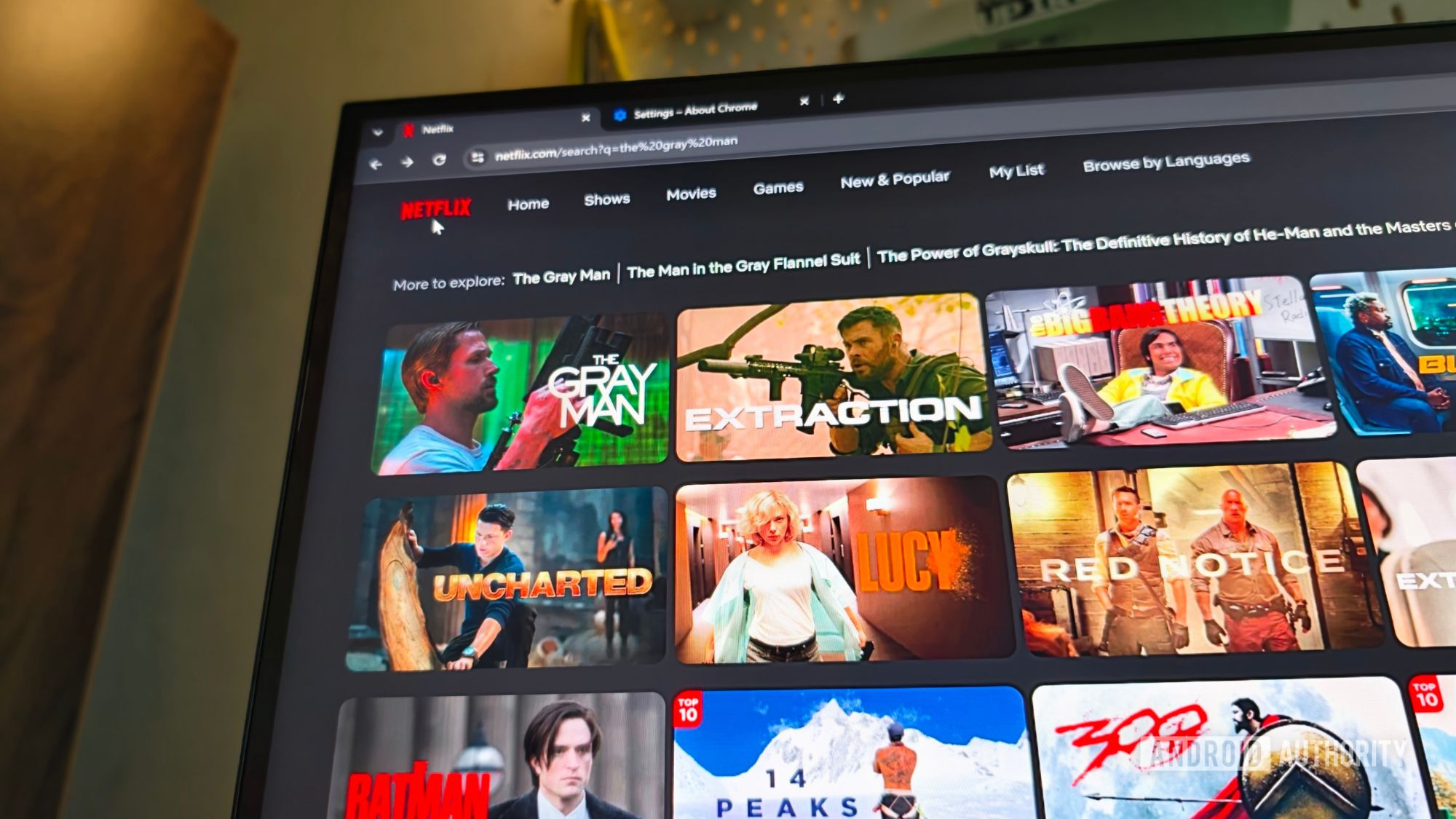
For years, achieving 4K Netflix streaming on the Chrome browser felt like chasing a digital unicorn – often promised, rarely delivered. But after countless hours of tinkering, forum diving, and pixel-peeping, I've finally cracked the code, and I'm eager to share the secret. The journey to ultra-high definition on my desktop was fraught with false starts and technical dead ends, but the payoff of crisp, vibrant 4K content is well worth the effort.
The challenge wasn't just about having a 4K monitor and a fast internet connection; it involved a precise combination of specific software versions, browser settings, and even dedicated hardware adjustments. Many overlook the necessity of having the correct Widevine CDM (Content Decryption Module) version, ensuring hardware-level DRM support, and sometimes even a specific GPU driver configuration. I've streamlined the entire process into a straightforward guide, eliminating the guesswork that plagued my initial attempts. This means you no longer have to squint at grainy streams or wonder why your top-tier setup isn't delivering. With these steps, you can finally enjoy Netflix's stunning 4K library directly through Chrome, transforming your viewing experience from merely good to truly spectacular.