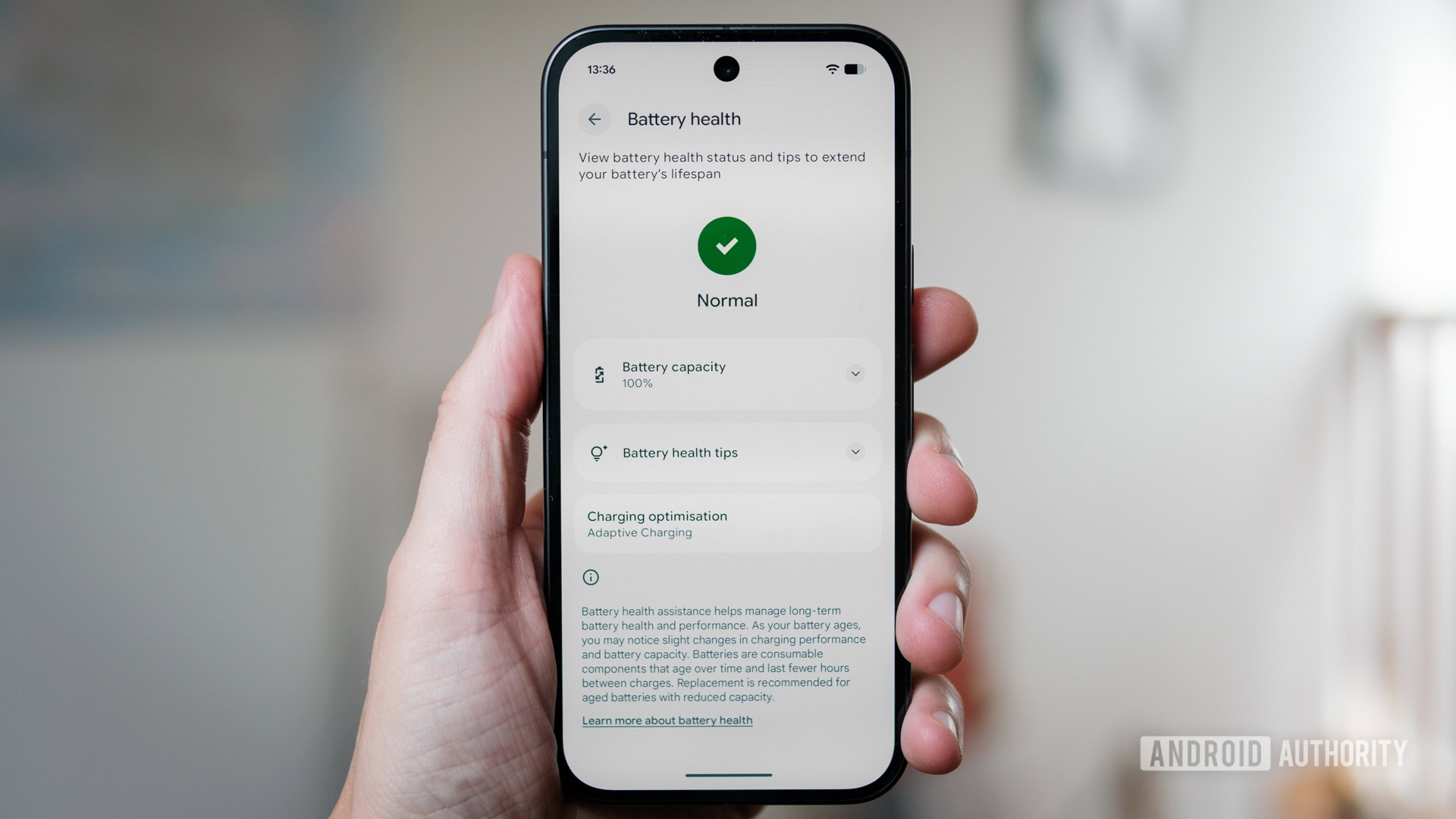
The upcoming Android 17 update is set to introduce a groundbreaking feature known as 'Pause Point,' which will allow users to temporarily freeze background app processes, optimizing performance and battery life. While this innovation is still some time away, savvy Android users can achieve similar benefits by employing existing tools and techniques. You don't need to be a tech wizard to implement these solutions, granting you proactive control over your device's efficiency.
One effective method involves utilizing Android's built-in 'Digital Wellbeing' features. Within this suite, you can set app timers that restrict usage for specific applications. While not a direct 'pause' function, setting a timer to zero for an application essentially prevents it from running in the background until you manually override it. This can be particularly useful for apps that are known battery drainers or data hogs, ensuring they only operate when actively in use.
Affiliate contentGames up to -90% off
Instant key delivery on Instant Gaming
Browse deals →A second robust solution is to leverage third-party app management tools available on the Google Play Store. Apps like 'Greenify' or 'Naptime' are specifically designed to hibernate background processes for selected applications, significantly reducing their impact on system resources and power consumption. These tools often offer more granular control than native Android settings, allowing you to fine-tune which apps are kept in check and under what conditions. They effectively simulate the 'Pause Point' functionality by forcing apps into a deep sleep state when not in active use.
Finally, for those comfortable with developer options, manually restricting background processes can provide a powerful, native alternative. By enabling Developer Options in your phone's settings, you can navigate to the 'Background process limit' and choose to restrict it to a specific number of processes or even 'No background processes' at all. While this is a more aggressive approach and might affect notifications for certain apps, it offers the ultimate control over what runs behind the scenes, mimicking the intent behind Pause Point to a significant degree.