Back
Android Authority4 h ago

Mastering Google Photos: Achieving Natural-Looking Edits

Discover how Google Photos' built-in editing tools can elevate your pictures from mundane to magnificent. This guide focuses on striking the perfect balance between vibrant enhancements and maintaining a natural aesthetic, avoiding over-processed appearances.

Mastering Google Photos: Achieving Natural-Looking Edits

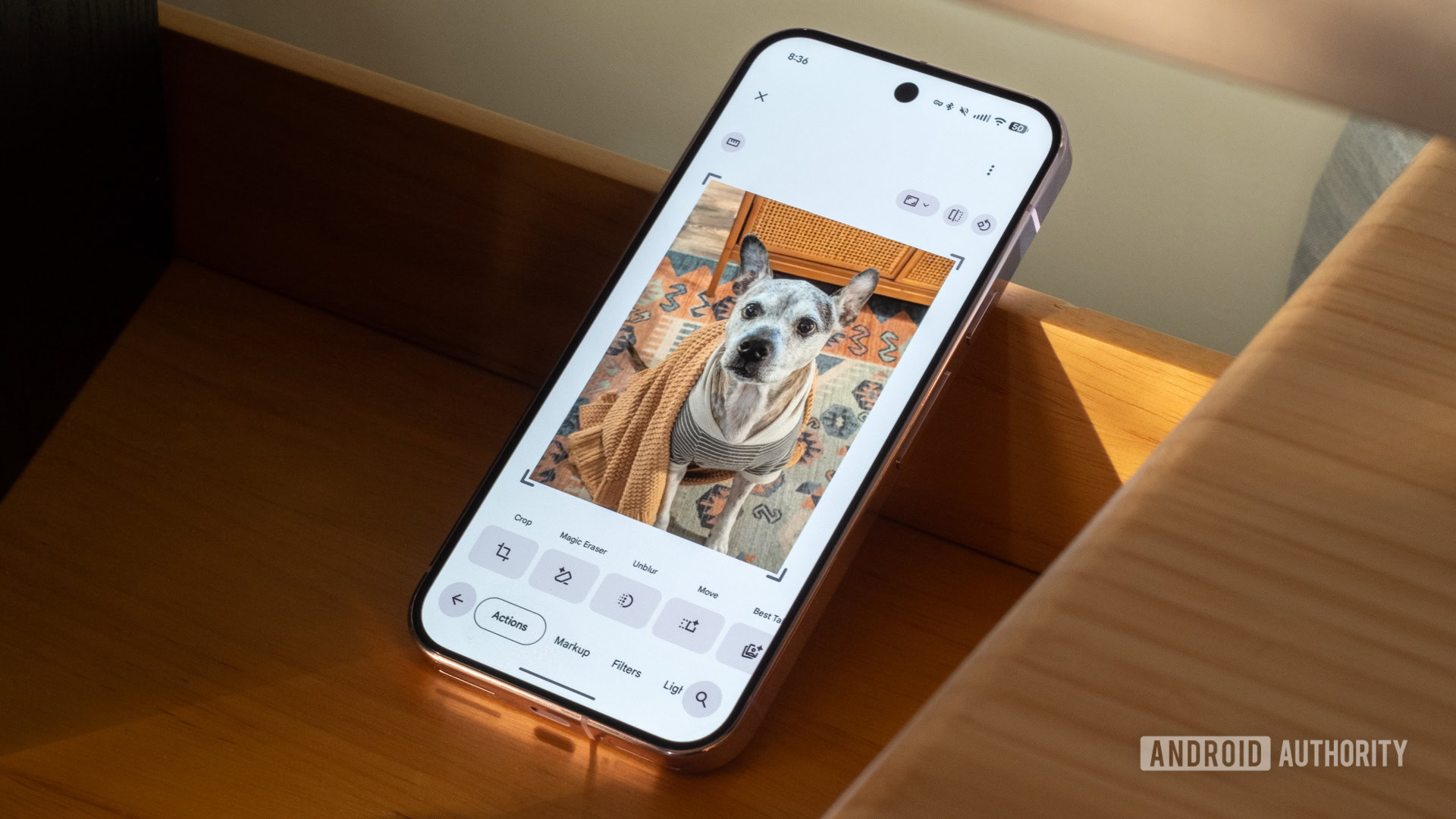
Google Photos, with its suite of intuitive editing features, has become an indispensable tool for many smartphone photographers. While it offers a wide range of options, the true art lies in knowing how to utilize them discreetly to enhance an image rather than overpower it.

Affiliate content
Instant Gaming

Games up to -90% off

Instant key delivery on Instant Gaming

Browse deals →

The key to successful photo editing in Google Photos is to approach it with subtlety. Instead of immediately cranking up every slider, begin by considering minor adjustments that can significantly impact the overall feel of a photo. For instance, sometimes a slight tweak to exposure or shadows can bring out details that were previously lost, adding depth and dimension without making the image look artificial. The 'Pop' feature, often lauded for its ability to make colors more vibrant, should be used sparingly; a gentle application can add zest, but an aggressive one can lead to an oversaturated, unnatural look.

Furthermore, Google Photos' intelligent suggestion features can offer excellent starting points. However, users should always exercise their own judgment and fine-tune these suggestions to align with their artistic vision. The goal is to make the photo look like it was captured perfectly, not meticulously edited. By focusing on nuanced adjustments to contrast, saturation, and white balance, and understanding when to stop, anyone can transform their ordinary snapshots into captivating images that still feel authentic and true to the moment they were taken.


Summary based on third-party reporting.

Original source: Android Authority

Recommended

AMD's RDNA 5 GPUs Expected Late 2027, Aligning with Nvidia's Next Generation
Tom's Hardware3 h ago

AMD's RDNA 5 GPUs Expected Late 2027, Aligning with Nvidia's Next Generation

Anticipation is building for AMD's RDNA 5 gaming GPUs, with industry partners at Computex hinting at a late 2027 or early 2028 release. This timeline places AMD's new offerings directly alongside Nvidia's rumored RTX 60 series, setting the stage for a competitive next-gen GPU battle.

Read article
ASML Surpasses Expectations, Becomes Europe's Most Valuable Company
Tom's Hardware3 h ago

ASML Surpasses Expectations, Becomes Europe's Most Valuable Company

ASML recently reached a staggering market capitalization of $674 billion, solidifying its position as the most valuable company in European history. This unprecedented valuation reflects strong investor confidence, fueled by anticipated increases in EUV output and its critical role in advanced chip manufacturing.

Read article
Google Secures Massive Compute Power with SpaceX, Projecting Significant Data Center Revenue
Tom's Hardware4 h ago

Google Secures Massive Compute Power with SpaceX, Projecting Significant Data Center Revenue

Google has inked a monumental $920 million monthly deal with SpaceX to secure 110,000 Nvidia GPUs starting in October 2026. This strategic partnership is poised to dramatically boost Google's data center revenue, potentially surpassing its combined income from Starlink, launch services, and AI by 2025.

Read article
RetroPad: The Feature-Rich Notepad from XP, Packed into Under 3KB with x86 Assembly
Tom's Hardware4 h ago

RetroPad: The Feature-Rich Notepad from XP, Packed into Under 3KB with x86 Assembly

A new creation called 'RetroPad' recreates the beloved Notepad experience from Windows XP with full feature parity, yet remarkably occupies less than 3KB of space. Developed by Windows veteran Dave W Plummer using x86 assembly, it showcases incredible efficiency and a nostalgic nod to classic software design.

Read article