Back
Android Authority2 h ago

New App Roots Galaxy Flagships Without Voiding Warranty

A new application, 'Root My Galaxy,' leverages a Linux kernel vulnerability to provide soft root access on specific older Snapdragon-powered Galaxy flagship devices. This innovative method bypasses traditional rooting hurdles, allowing users to gain elevated privileges without triggering Knox or unlocking the bootloader.

New App Roots Galaxy Flagships Without Voiding Warranty

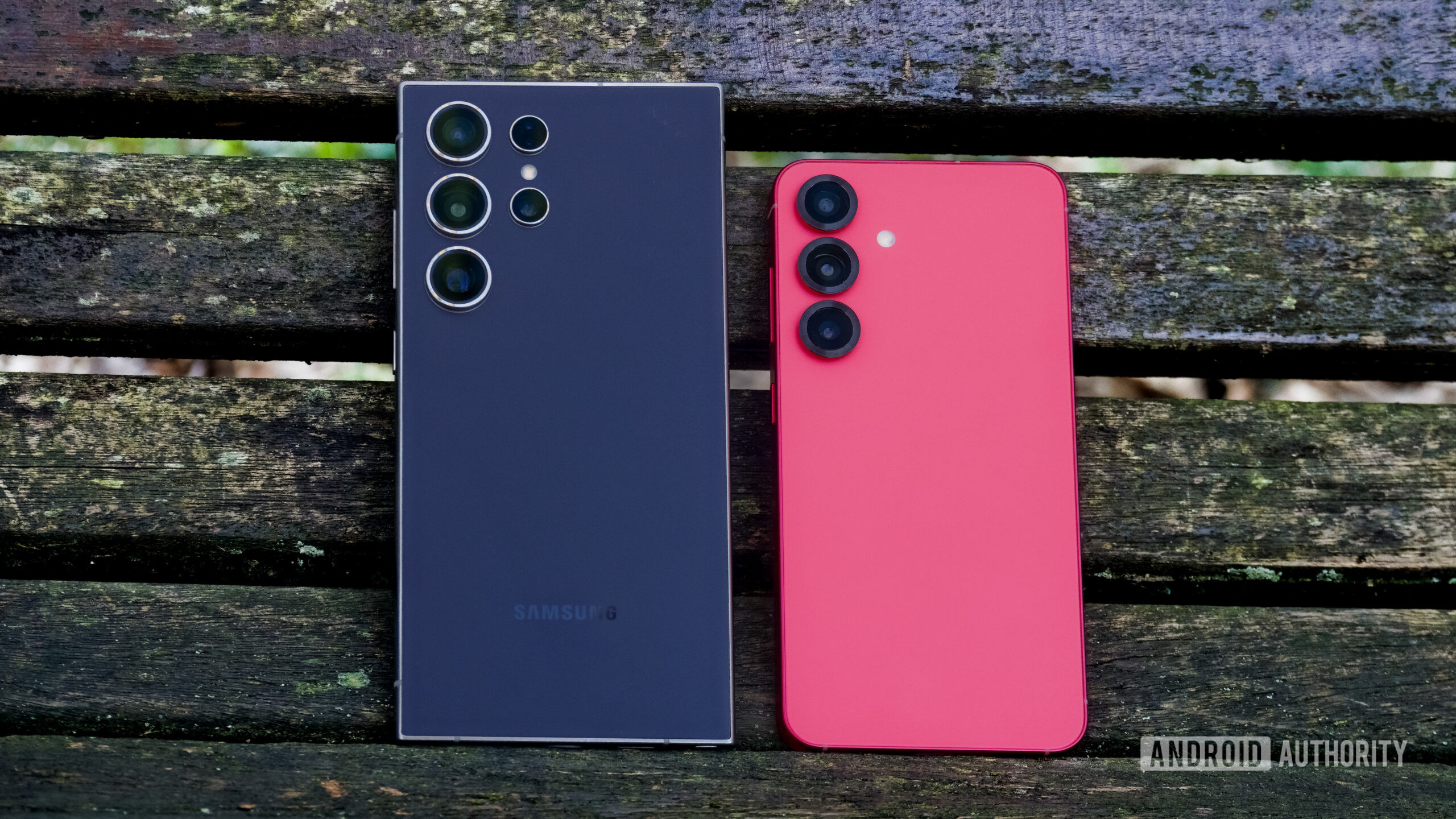
A groundbreaking new application is making waves among Android enthusiasts, offering a novel way to gain root access on older Samsung Galaxy flagship models. Dubbed 'Root My Galaxy,' this tool reportedly utilizes a previously undiscovered Linux kernel exploit to achieve what's known as 'soft root' access. This means users can unlock advanced functionalities on their devices without the typical repercussions associated with conventional rooting methods.

Affiliate content
Instant Gaming

Games up to -90% off

Instant key delivery on Instant Gaming

Browse deals →

Traditionally, rooting a Samsung device often involves unlocking the bootloader, which in turn trips Samsung's Knox security counter. Tripping Knox not only voids the device's warranty but also permanently disables certain Knox-dependent features, including Samsung Pay and Secure Folder. The 'Root My Galaxy' app circumvents these issues entirely, appealing to a segment of users who desire greater control over their smartphones but are unwilling to sacrifice these crucial functionalities or their device's warranty.

While the app offers a significant advantage, particularly for power users yearning for deeper system customization and control, it's crucial to note its limitations. The exploit is currently effective only on specific older Galaxy flagships equipped with Snapdragon chipsets. Newer models, or those running different processors, may not be compatible. Furthermore, the inherent nature of exploiting vulnerabilities means future software updates from Samsung could patch the loophole, rendering the app ineffective. Users considering this method should proceed with caution, understanding the risks and potential impermanence of such a solution, despite its current benefits.

Summary based on third-party reporting.

Original source: Android Authority

Recommended

Apple Upgrade Program: A Blueprint for Future Smartphone Ownership
Android Authority3 h ago

Apple Upgrade Program: A Blueprint for Future Smartphone Ownership

The Apple Upgrade Program represents a significant shift in how consumers acquire and utilize their smartphones, moving beyond traditional ownership models. This approach, offering annual upgrades and included services, provides a potential blueprint for Google and Samsung to rethink their own device acquisition strategies amidst an evolving tech landscape.

Read article
Pennsylvania Town's Demands for AI Data Center Deemed 'Too Difficult' by Developer
Tom's Hardware3 h ago

Pennsylvania Town's Demands for AI Data Center Deemed 'Too Difficult' by Developer

A Pennsylvania township issued 43 specific demands for an AI data center project to receive approval, but the developer found these conditions overly burdensome. This led to the retraction of an initial application and submission of a revised plan challenging local regulations, prompting accusations of 'approval by tantrum' from council members.

Read article
Pixel Battery Drain Bug Persists Despite Google's Fix Claims
Android Authority3 h ago

Pixel Battery Drain Bug Persists Despite Google's Fix Claims

Despite Google's assurances that a fix for the Pixel idle battery drain issue has been implemented, particularly for the Pixel 9 and 10, user reports indicate the problem persists. Many users are still experiencing significant battery depletion during periods of inactivity, raising doubts about the effectiveness of the supposed resolution.

Read article
Solving Google Messages Annoyances Through Simple Settings Adjustments
Android Authority3 h ago

Solving Google Messages Annoyances Through Simple Settings Adjustments

Many common frustrations with Google Messages stem from overlooked default settings, which can be easily reconfigured to enhance the user experience. By making a few key adjustments, users can resolve issues and optimize the app for their personal communication preferences.

Read article