For daily Google TV users, discovering ways to optimize the experience is always a plus. Beyond the standard interface, there are several hidden tricks that can transform how you interact with your smart TV, making it faster, more efficient, and more enjoyable. These aren't just minor tweaks; they're genuine enhancements that can improve your daily usage.
Affiliate contentGames up to -90% off
Instant key delivery on Instant Gaming
Browse deals →One invaluable tip involves streamlining performance by freeing up RAM. Navigating to Developer Options—which you can activate by repeatedly tapping the 'Build number' in 'About' settings—allows you to limit background processes, significantly speeding up the system. Another great trick is to leverage the 'Cast' feature for quick file transfers from your phone or computer, eliminating the need for cumbersome USB drives or cloud services.
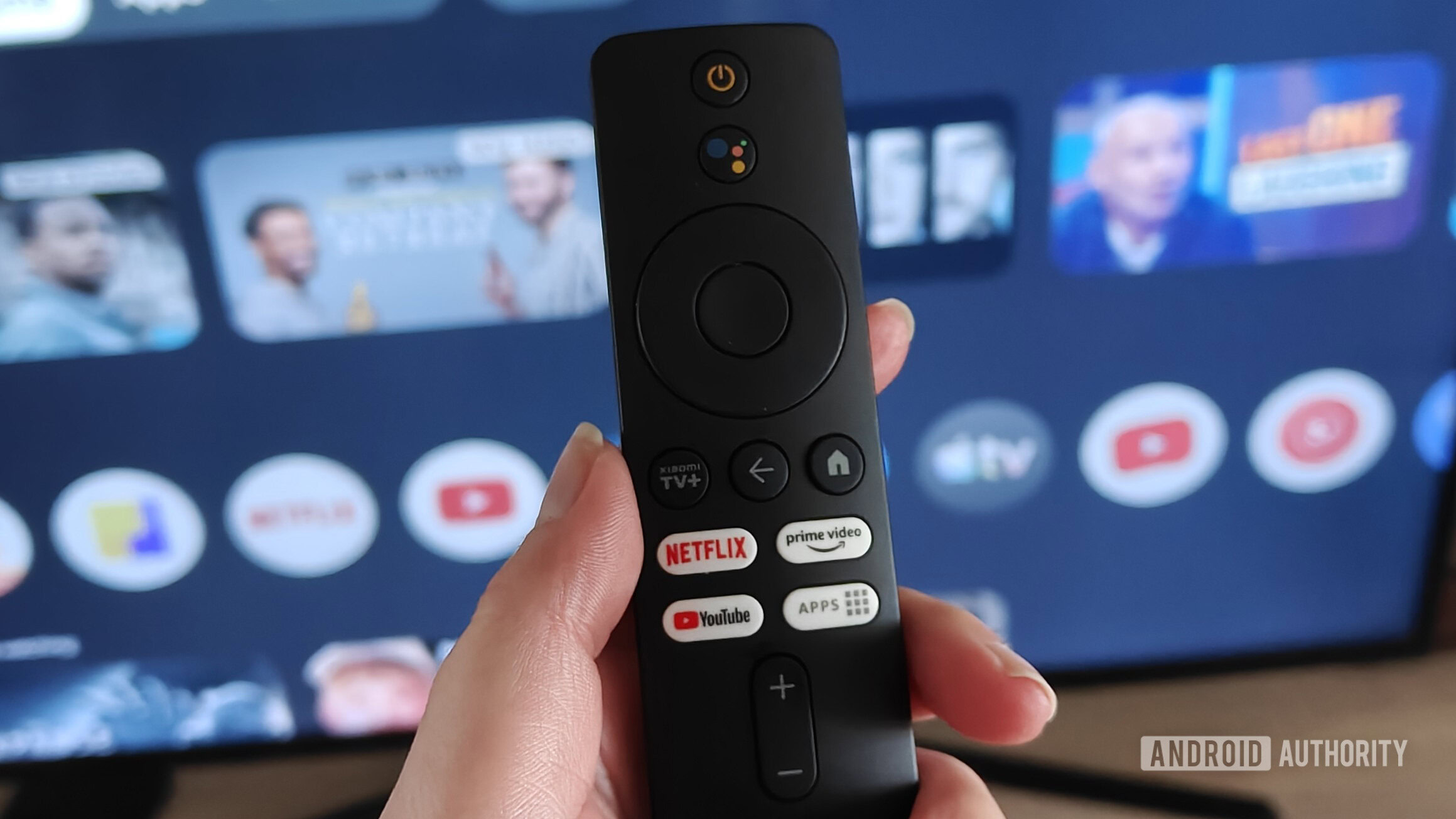
Managing app permissions might seem basic, but knowing how to quickly review and revoke unnecessary access can boost privacy and free up resources. Furthermore, utilizing the 'Live TV' integration, if available in your region, can merge traditional broadcast and streaming content into a unified guide, making channel hopping effortless. Exploring the customization options for your home screen layout can also create a more personalized and accessible viewing environment, prioritizing your most-used apps and content. Lastly, don't overlook the power of voice commands with Google Assistant for quick searches and controls, especially for finding specific shows or controlling smart home devices. Mastering these six tricks can truly elevate your Google TV experience from good to exceptional.