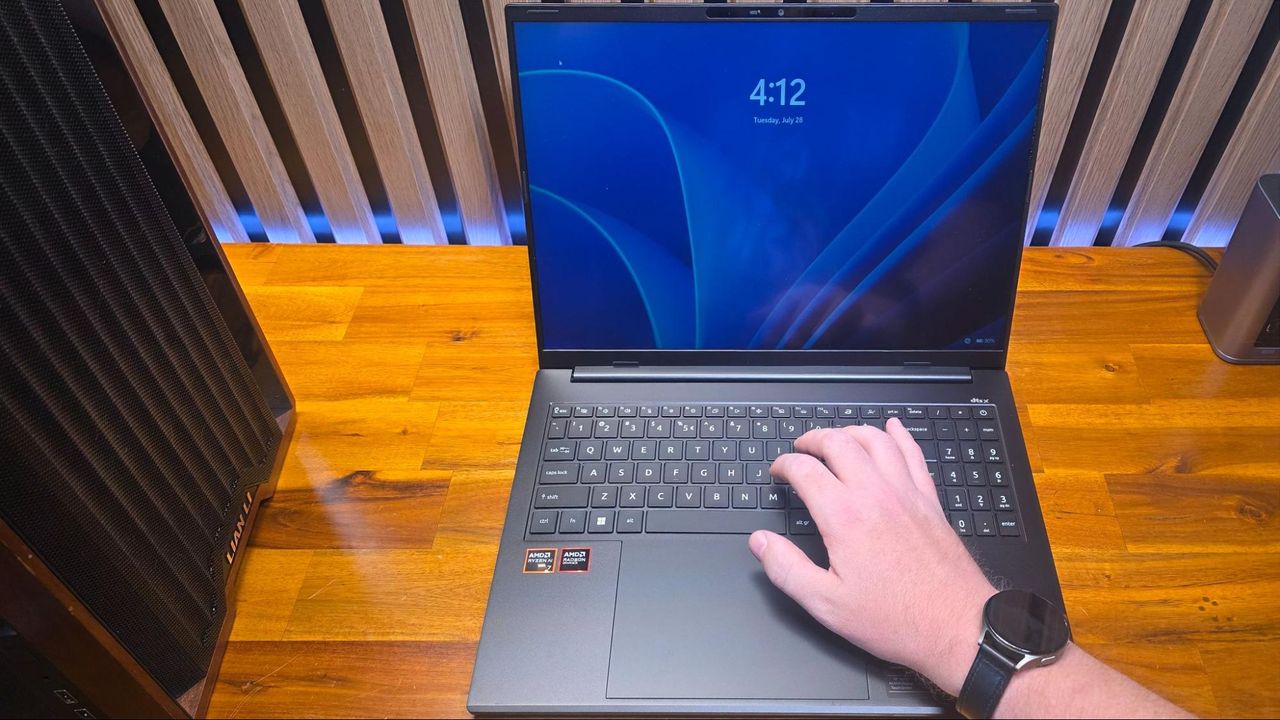
It might seem like a niche problem, but if you've been experiencing erratic login loops or sudden screen blackouts on your laptop, your watch could be the unlikely culprit. Specifically, the magnetic clasp found on many modern watch bands is capable of confusing your laptop's lid sensor, leading to unintended behavior.
The phenomenon occurs when the magnetic field from the clasp interacts with the hall-effect sensor, which laptops use to detect whether the lid is open or closed. If a strong enough magnet is positioned near this sensor, the laptop can repeatedly register false open and close signals. This can cause the operating system to attempt logging you out and back in, often mid-task, creating a frustrating and disruptive user experience.
Affiliate contentGames up to -90% off
Instant key delivery on Instant Gaming
Browse deals →One user recently reported encountering this exact issue with an Acer laptop, where their magnetic watch clasp repeatedly triggered a logout sequence as they tried to type. This endless cycle of logging in and out effectively rendered the laptop unusable.
While the exact location of the hall-effect sensor varies between laptop models, it's typically found around the bezel or palm rest area. Users who suspect they may be experiencing this issue are advised to try operating their laptop without their magnetic watch or to keep it a safe distance away from the device, particularly near the top edge of the keyboard or the screen's base. This simple adjustment could resolve an otherwise perplexing technical glitch.